How to Remove Stickers From a Laptop
Learn how to remove stickers from a laptop without damage: heat, slow peeling, residue removal, badge ghosting, and the labels you must never peel off.
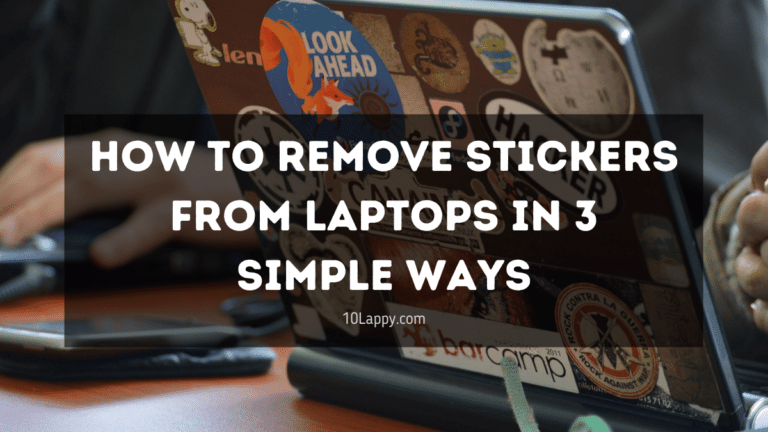
Learn how to remove stickers from a laptop without damage: heat, slow peeling, residue removal, badge ghosting, and the labels you must never peel off.
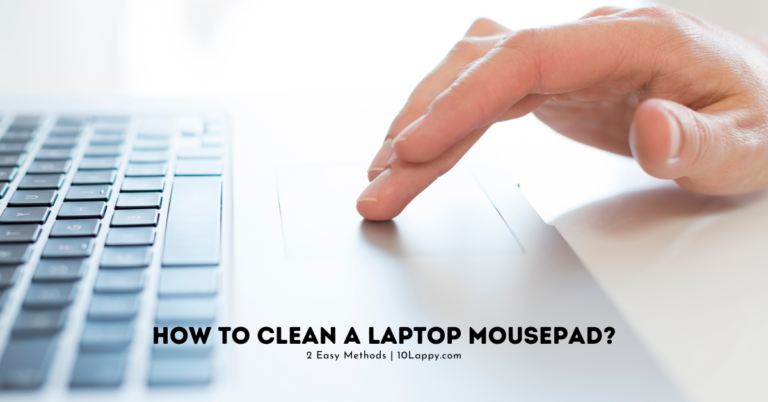
Learn how to clean a laptop touchpad safely with a cloth and 70 percent isopropyl alcohol, clear the edge grime ring, and spot settings or battery faults.
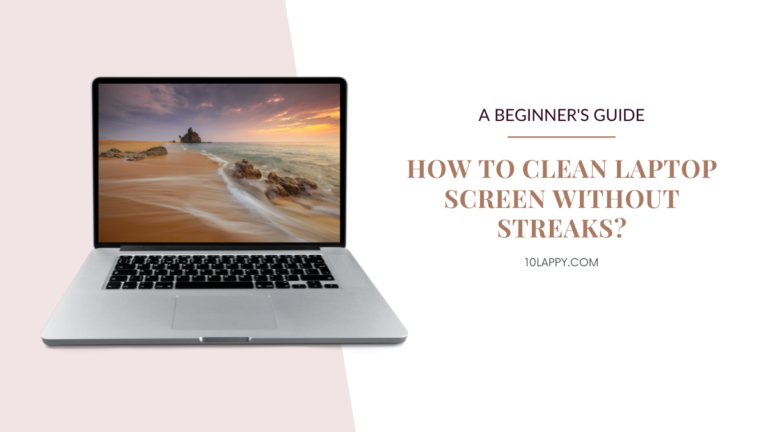
Clean your laptop screen without streaks using the manufacturer safe method: dry microfiber first, distilled water second, and no ammonia or vinegar ever.
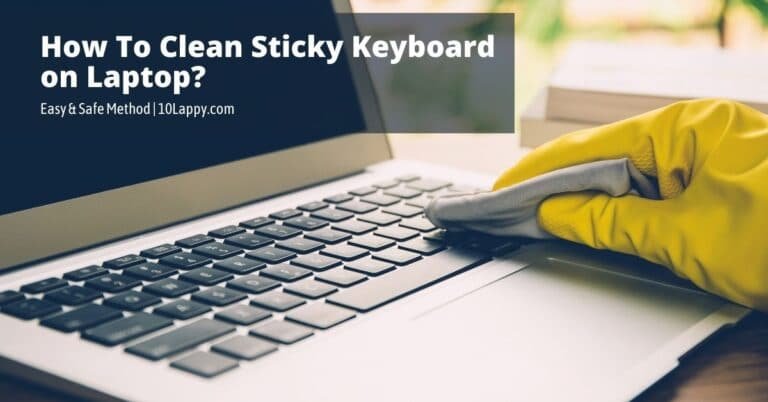
Sticky laptop keys? Clean them safely with a 70 percent isopropyl alcohol cloth, compressed air and a swab deep clean, and learn when to replace the keyboard.
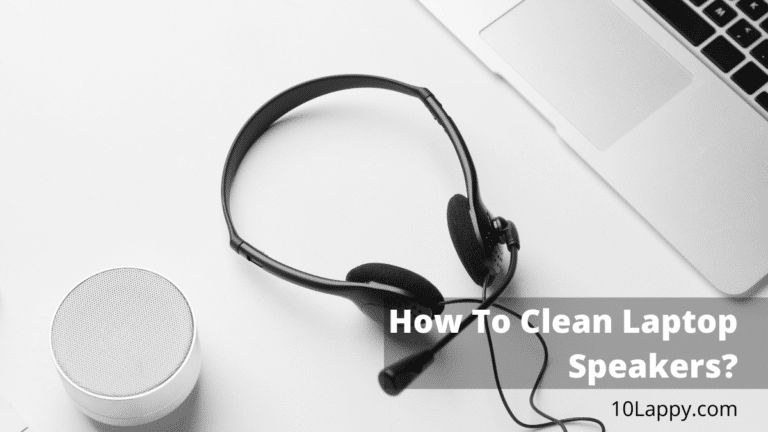
Learn how to clean laptop speakers safely with a brush, putty and tape. Clear muffled sound, avoid damage, and check the software settings that mimic dirt.
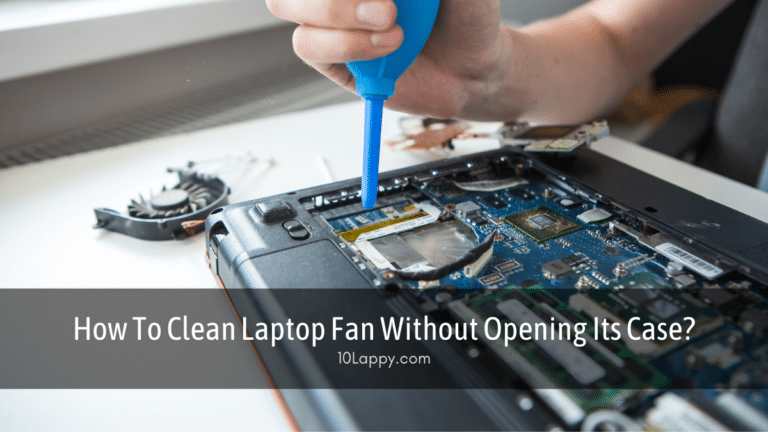
Clean your laptop fan without opening the case: safe compressed air steps, what to avoid, how often to clean and when a service visit is the real fix.
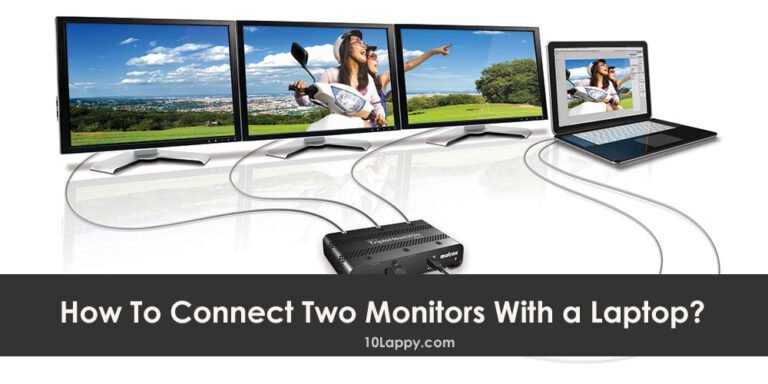
Connect two monitors to a laptop with two cables, a docking station, daisy chaining or DisplayLink, then set up Extend mode in Windows 11 and 10 step by step.
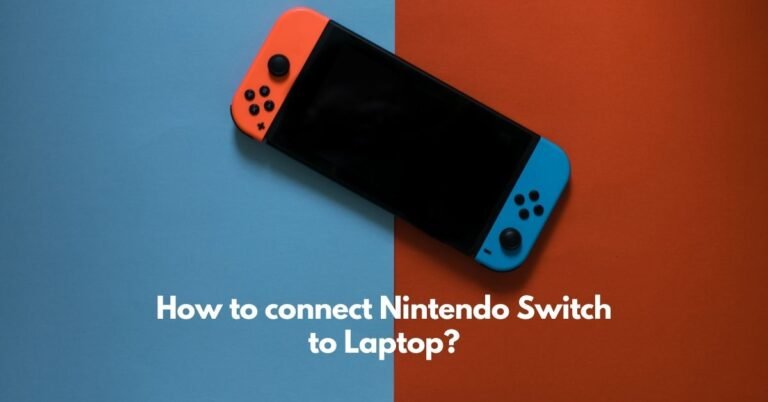
Connect a Nintendo Switch to a laptop the one way that works: a USB capture card and OBS. Why HDMI alone fails, setup steps, lag explained, Switch 2 notes.
Learn how to remove the battery from an Acer laptop safely: latch steps for removable packs, internal battery removal, and the battery reset pinhole method.
Learn how to know if a laptop battery is dead: run the Windows battery report, compare capacity and cycles, use HP, Dell, Lenovo and Mac health checks.