How to Turn the Keyboard Light On or Off on an HP Laptop
Learn how to turn the keyboard light on or off on an HP laptop easily with the F5, F4, F9 or F11 key, adjust brightness, and fix a light that will not work.
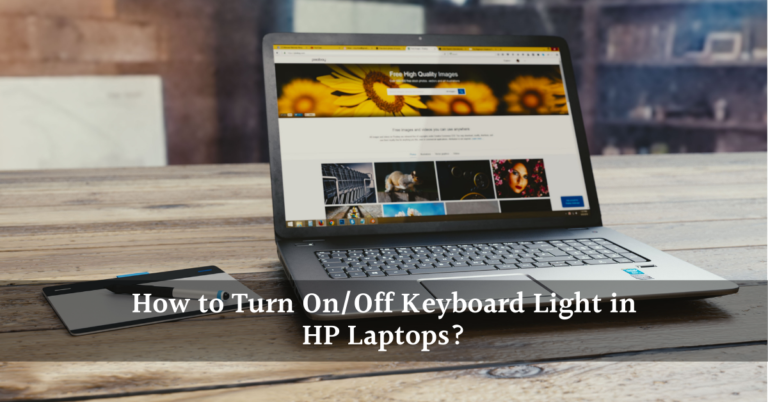
Learn how to turn the keyboard light on or off on an HP laptop easily with the F5, F4, F9 or F11 key, adjust brightness, and fix a light that will not work.

Enable function keys on a Toshiba laptop: learn which Fn mode your model uses, how to use Fn with F1 to F12, and what to fix when the hotkeys stop working.
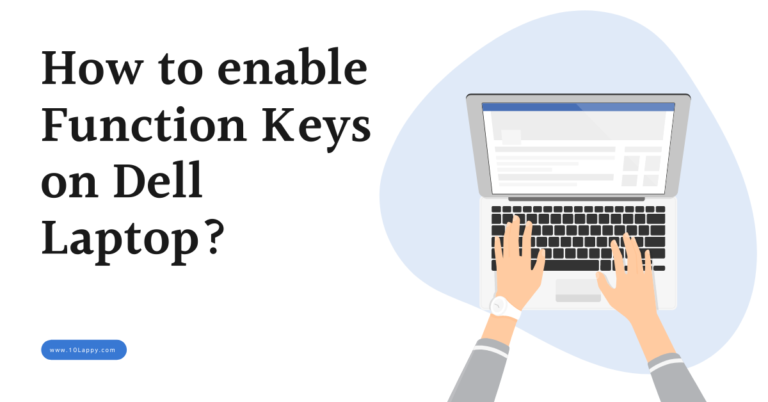
Enable function keys on a Dell laptop with Fn + Esc or the BIOS Function Key Behavior setting. Step by step guide for when F1 to F12 still will not work.
Learn how to reboot a laptop on Windows 11, Windows 10 and Mac, plus keyboard, command and frozen laptop methods. Save work first, then restart safely.

Can a laptop be tracked after a factory reset? Learn why Windows tracking stops, how Mac Activation Lock survives an erase, and what to do in the first hour.
A serial number alone cannot show a live laptop location. Learn what actually works: Find My, police and manufacturer reports, and the steps to take first.
Find your Dell laptop model number from the label, Settings, SupportAssist, System Information, BIOS, or the Service Tag on Dell Support, plus worn label fixes.

Acer laptop keyboard locked or not typing? Try the quick checks, Acer power reset, Filter Keys fix, BIOS test and driver reinstall in this step by step guide.

A laptop factory reset usually takes 30 minutes to 2 hours. See real times for SSD, hard drive, Clean data and Mac resets, and what to do if it stalls.
Lenovo laptop won’t turn on? Follow Lenovo’s own checks: adapter test, 5 to 10 minute charge, power drain, reset hole, Novo button and battery fixes first.