What Is TGP in a Gaming Laptop (and Why Watts Matter)
Quick Answer: TGP stands for Total Graphics Power. It is the maximum number of watts the laptop maker allows the graphics chip to draw, and because NVIDIA lets each brand set that limit inside a wide range, two laptops with the same GPU name can perform very differently. On the RTX 4050, RTX 4060 and RTX 4070 laptop GPUs, the allowed range runs from 35 to 115 watts, plus up to 25 watts of Dynamic Boost on top. The GPU badge tells you which chip is inside. The TGP tells you how fast it is allowed to run.
Why this hidden spec causes so much confusion
Shop for gaming laptops for an afternoon and a pattern shows up fast. Two machines are advertised with the same RTX 4060, sometimes at similar prices, yet reviews show a clear gap between them in game benchmarks. The difference is a number most store listings never print: the TGP.
Since the RTX 30 generation, NVIDIA has stopped selling laptop GPUs at one fixed power level. Instead, it hands laptop makers a range and lets each brand choose where its model sits. A slim machine built for quiet fans gets a low setting. A thick gaming laptop with two big fans gets the full setting. The GPU name stays the same either way, which is why TGP is now the most important spec that nobody puts in the headline.
What does TGP actually mean?
TGP is NVIDIA’s name for the power budget of the whole graphics subsystem: the GPU core, its video memory and the losses in the board’s power delivery. It is a ceiling, not a constant draw. The chip pulls only what the workload needs moment to moment, but it can never hold more than the TGP under a sustained load.
Watts matter because a GPU turns power directly into clock speed. Notebookcheck’s specification pages, which follow NVIDIA’s own figures, show how wide the swing is on a single model: the RTX 4060 laptop GPU’s boost clock runs from 1,470 MHz in a 35 watt configuration to 2,370 MHz at 115 watts. Same silicon, same name, and a clock range spanning more than 60 percent. That is the whole story of TGP in one line.
Base TGP, boost figures and Dynamic Boost
The number you see in a spec sheet can mean two different things, and brands are not consistent about which one they print.
The base TGP is the sustained budget the maker sets for the GPU, for example 115 watts on a full power RTX 4060. Dynamic Boost is an NVIDIA Max-Q technology that uses AI to shift power between the CPU, the GPU and the GPU memory frame by frame, handing spare power to whichever part needs it most. On RTX 40 series laptops it can add up to 25 watts, borrowed from the CPU’s budget while a game is limited by the GPU.
So a laptop advertised at 140 watts and another advertised at 115 watts can be running the identical configuration, one quoting base plus Dynamic Boost and the other quoting base alone. Before comparing two models, check whether the figure includes the boost allowance. The table below shows the ranges for the three mainstream chips most buyers meet.
| GPU | Typical TGP range | What changes at the top end |
|---|---|---|
| GeForce RTX 4050 Laptop | 35 to 115 W, plus up to 25 W Dynamic Boost | Boost clock rises from 1,605 to 2,370 MHz, and thin laptop versions stop giving up so much speed |
| GeForce RTX 4060 Laptop | 35 to 115 W, plus up to 25 W Dynamic Boost | Boost clock rises from 1,470 to 2,370 MHz, and most of the gaming gain has arrived by about 100 W |
| GeForce RTX 4070 Laptop | 35 to 115 W, plus up to 25 W Dynamic Boost | Boost clock rises from 1,230 to 2,175 MHz, but at 35 W it can fall behind an RTX 4050 running at 65 W |
Same GPU, different watts: how big is the gap in real games?
The cleanest way to see the effect is a single GPU tested at several power levels. LaptopMedia compared five RTX 4060 laptops running at 45, 80, 105, 120 and 140 watts. In the 3DMark Time Spy benchmark, the 140 watt model scored about 45 percent higher than the 45 watt model, with the 80 watt version about 28 percent ahead and the 120 watt version about 41 percent ahead. That is a large, real gap between two products sold under one name.
Games tell a more forgiving story. In LaptopMedia’s gaming tests, the 80 and 105 watt models landed within about 1 percent of each other. Notebookcheck’s analysis points the same way: it found that the RTX 4060 and RTX 4070 reach their maximum gaming performance when a manufacturer advertises roughly 100 to 105 watts, and that chips often draw less than their ceiling in real benchmarks, pulling around 100 watts in 3DMark on a configuration rated for 140. It also recorded the extreme case that makes shoppers nervous: an RTX 4070 limited to 35 watts can be beaten by an RTX 4050 allowed 65 watts.
Put together, the pattern is simple. Climbing from 45 watts toward 100 watts buys genuine frame rate. Climbing past that buys very little in games, however good it looks in a spec sheet. Wattage decides the low end far more than the top end, and it is one reason how the RTX 4050 and RTX 4060 stack up against each other depends on the laptops being compared, not just the chips.
How to check a laptop’s TGP before you buy
You do not need special tools, just the habit of looking one level deeper than the sales page.
- Find the exact model number, then open the manufacturer’s full specifications page or downloadable spec sheet for that model. Look for TGP, GPU power or graphics power. Retail listings often skip it; the maker’s own sheet usually has it.
- Note whether the quoted figure includes Dynamic Boost, so you compare like with like. A 115 watt base rating and a 140 watt with-boost rating describe the same hardware.
- Cross-check with an independent review of that exact model. Notebookcheck prints the TGP configuration in its laptop reviews and GPU pages, and its benchmarks show whether the machine holds its rating under load.
- Treat a missing figure as a warning sign. NVIDIA itself notes that performance varies by laptop model and tells buyers to check the manufacturer’s specifications for that model. Brands running full power GPUs tend to advertise the number; brands selling a low wattage configuration tend to leave it out.
- Already own the laptop? Monitoring tools such as HWiNFO show live GPU power draw while a game runs, so you can see the ceiling your own machine uses.
Does a higher TGP have downsides?
Yes, and they are worth weighing rather than discovering after checkout.
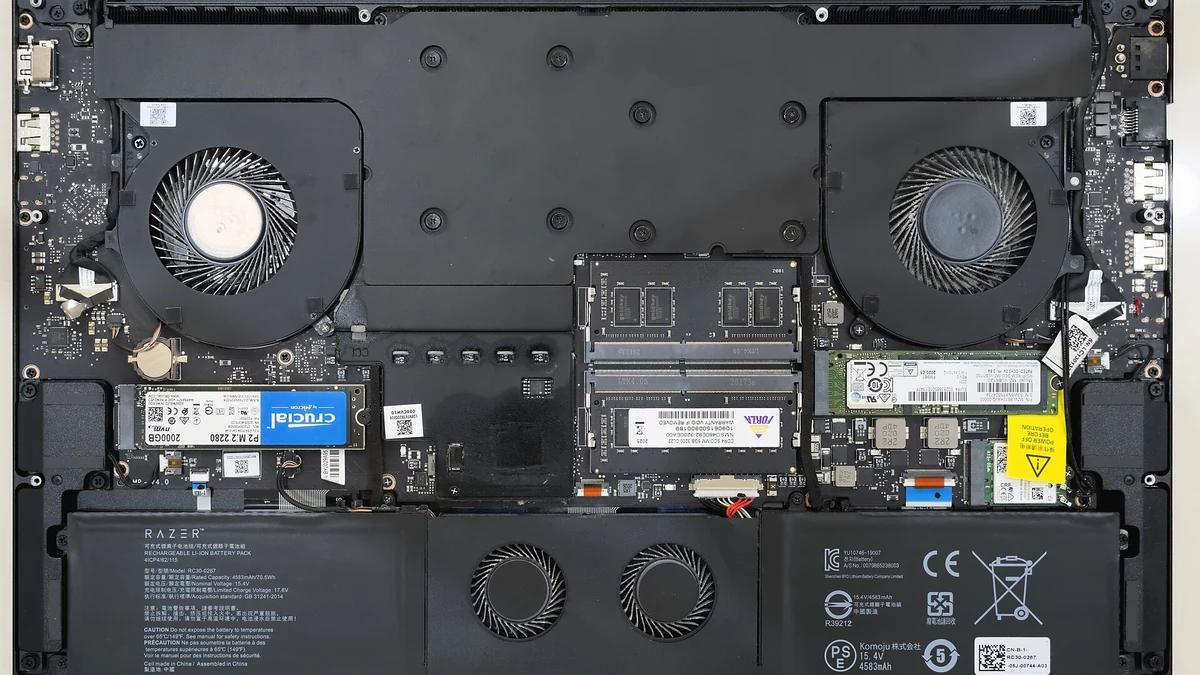
Every watt the GPU consumes becomes heat the cooling system has to move out of the chassis. That is why full power configurations live in thicker laptops with larger fans, and why the design of the cooling system decides whether a high TGP rating is sustainable or just a short burst. More heat usually means more fan noise under load and a heavier power brick in your bag.
Heat also punishes neglect. A high TGP laptop with clogged vents loses its advantage quickly, so the habits in our guide to keeping a gaming laptop cool matter more, not less, on a full power model.
Battery life is the other trade. On battery power, gaming laptops cut GPU power far below the rated TGP to protect runtime, so a high TGP machine does not game at full speed unplugged. The rating is a plugged-in number. If most of your play happens at a desk, that is no sacrifice at all.
Frequently Asked Questions
Is a higher TGP always better?
Up to a point. Moving from a low configuration toward about 100 watts brings clear gains in clock speed and frame rate. Past that, independent testing shows the gaming returns flatten out, while heat, fan noise and chassis size keep growing. The best TGP is the highest one the laptop’s cooling can hold quietly, not simply the biggest number.
Can I raise my laptop’s TGP after buying it?
Not in any meaningful way. The power limit is set by the laptop maker in firmware to match the cooling and power delivery hardware. Vendor software and Windows power modes can let the GPU reach its rated limit more often, but no safe setting turns a 45 watt configuration into a 140 watt one.
Why does my GPU never reach its full TGP in games?
Because TGP is a ceiling, not a target. The chip draws what the workload demands. Notebookcheck measured around 100 watts of draw in 3DMark on an RTX 4070 configuration rated at 140 watts including Dynamic Boost, with the full figure showing up mainly in synthetic stress tests such as FurMark. Your games are behaving normally.
Is TGP the same as TDP?
They are related but not identical. TDP, thermal design power, is a general engineering term for the heat a component is designed to shed, used most often for CPUs. TGP is NVIDIA’s term for the total electrical power budget of the graphics subsystem in a laptop, covering the GPU, its memory and board losses. For laptop shopping, TGP is the figure that predicts performance.
Does TGP matter when gaming on battery?
Very little. Laptops restrict GPU power sharply on battery to protect runtime, whatever the rated TGP says. Two versions of the same GPU feel far closer unplugged than plugged in. Judge a gaming laptop by its TGP if you play at a desk with the charger connected, which is where the rating applies.
The Verdict
Read TGP as part of the GPU’s name. An RTX 4060 at 45 watts and an RTX 4060 at 140 watts are related products, not the same product, and the cheaper one is not automatically the smarter buy. For the RTX 4050, RTX 4060 and RTX 4070, aim for a model advertised at around 100 watts or more once Dynamic Boost is included, and treat anything under roughly 80 watts as a deliberate trade of speed for thinness and quiet. It is the first figure we check on every model in our guide to gaming laptops around the $1,000 mark, and it takes under a minute to find once you know where brands hide it.