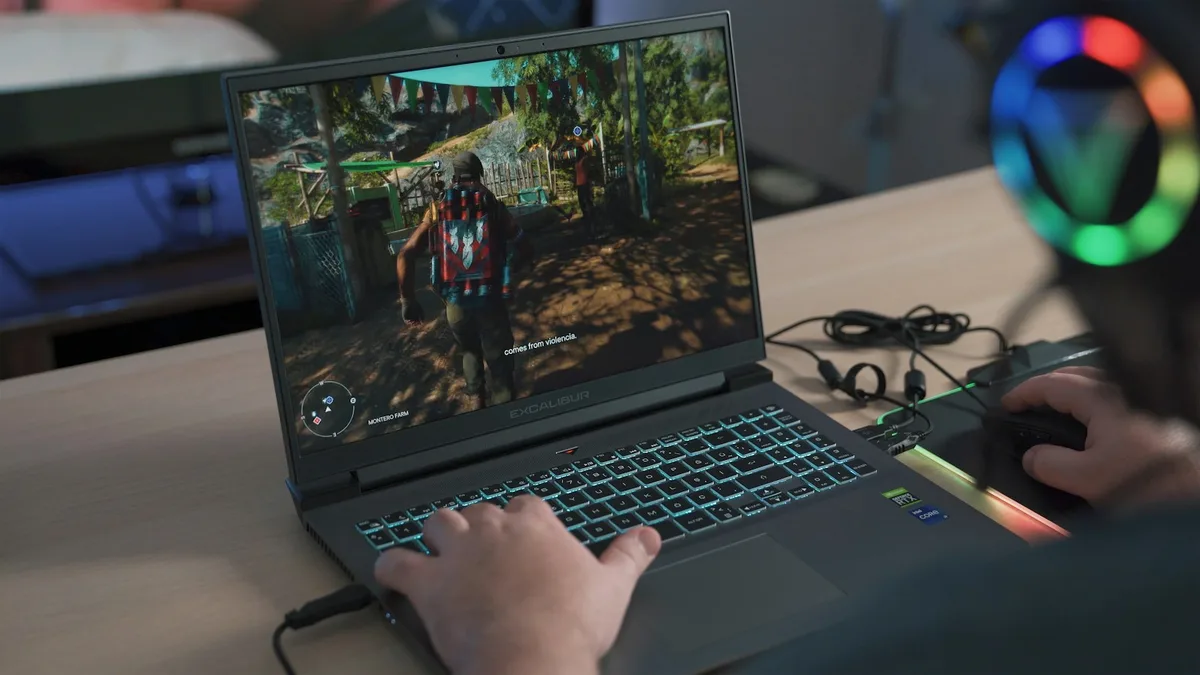
Gaming Laptop vs Gaming Desktop: Cost, Power and Portability
Quick Answer: Buy a gaming desktop if you play mostly at home. It gives you more performance for the same money, runs cooler and quieter, and you can upgrade it part by part for years. Buy a gaming laptop if you genuinely need to game in more than one place: at college, at a friend’s house, on trips, or in a room with no space for a desk setup. At the same GPU name, a desktop is typically 15 to 25 percent faster, and it costs 30 to 50 percent less per frame than a laptop. The laptop’s only real advantage is that it goes with you. If portability is not a real requirement for your life, the desktop wins.
Gaming laptop vs desktop at a glance
| What matters | Gaming laptop | Gaming desktop |
|---|---|---|
| Raw performance | 15 to 25 percent slower at the same GPU name | Full desktop GPU power, no power cap |
| Price for the same frames | Costs 30 to 50 percent more per frame | Best performance per dollar |
| Entry price in 2026 | About $949 and up | About $919 and up, plus monitor and peripherals |
| Portability | Goes anywhere, battery and screen built in | Stays on one desk |
| Thermals under load | Often 85 to 95 degrees C, fans loud | Usually 65 to 80 degrees C, quieter |
| Upgrades | Usually RAM and storage only | GPU, CPU, RAM, storage, cooling, case |
| Lifespan | About 3 to 4 years before it feels slow | 5 to 7 years or more with part upgrades |
| Extras you need | Nothing, screen and keyboard built in | Monitor, keyboard and mouse, from about $130 |
| Best for | Students, travellers, small rooms, one machine for everything | Home gamers, high refresh or 4K play, long term value |
Why the same GPU name does not mean the same GPU
This is the single most important fact in the whole comparison, and it is the one that trips up most buyers. A laptop with an RTX 5070 and a desktop with an RTX 5070 do not have the same graphics chip. NVIDIA uses the same names for both, but the laptop chip has fewer cores, less power and sometimes less memory, because a laptop has a battery, a thin chassis and a cooling system the size of a paperback book.
The gap is small at the bottom of the range and huge at the top. NVIDIA’s own published specifications for the RTX 50 series make it plain. At the RTX 5050 level, the laptop chip is nearly identical to the desktop card: the same 2,560 CUDA cores and 8GB of memory, with the desktop card rated at 130W and the laptop chip at up to 115W. At the RTX 5060 level the laptop chip still holds up well, running at up to 115W against the desktop card’s 145W. From the RTX 5070 upward, the laptop versions fall well behind. The desktop RTX 5070 has 6,144 CUDA cores and a 250W power rating, while the laptop version has 4,608 cores and a 115W maximum. The desktop RTX 5090 has 21,760 cores, 32GB of memory and a 575W rating; the laptop version has 10,496 cores, 24GB of memory and a 175W maximum, which is less than half the cores.
| GPU | Desktop cores / power | Laptop cores / power | Memory |
|---|---|---|---|
| RTX 5050 | 2,560 cores / 130W | 2,560 cores / up to 115W | 8GB both |
| RTX 5060 | 145W card | Up to 115W | 8GB both |
| RTX 5070 | 6,144 cores / 250W | 4,608 cores / up to 115W | 12GB both |
| RTX 5090 | 21,760 cores / 575W | 10,496 cores / up to 175W | 32GB / 24GB |
That power gap is not a marketing number. A laptop chip running at 115W simply cannot push as many frames as a desktop card running at 250W or more, and the difference shows up most in long gaming sessions, where heat builds up and the laptop has to slow down to protect itself. Before you compare any two machines, check the laptop’s TGP, the total graphics power the maker allows. Our guide to what a MUX switch is on a gaming laptop explains the other laptop-only feature that affects real frame rates, and our guide on how to check VRAM on a laptop shows how to confirm the memory on the machine you actually own.
Real gaming performance: how much faster is a desktop?
In benchmark terms, the desktop advantage is consistent and measurable. According to the 3DMark Hardware Database, a desktop RTX 5080 at full power scores around 28,000 points in Time Spy, roughly 30 to 35 percent higher than the same GPU in a laptop running at restricted power. Independent comparisons put the general gap at 15 to 25 percent slower for a laptop carrying the same GPU name, and the gap grows as you climb the price ladder.
What that means in practice depends on the resolution and the game. At 1080p with an RTX 5050 or RTX 5060, a laptop and a desktop are close enough that most players would not notice the difference. The laptop chip is nearly the same silicon, and the game is usually limited by something other than raw GPU power. At 1440p with an RTX 5070, the desktop pulls clearly ahead, holding higher frame rates in demanding games and handling ray tracing better. At 4K with an RTX 5080 or 5090, there is no contest: the desktop card has more than twice the power budget, and the laptop version cannot keep up no matter how good the cooling is.
DLSS narrows the gap but does not erase it. NVIDIA’s DLSS 4 frame generation, which ships on RTX 50-series laptops, can multiply frame rates in supported games, and it makes a mid-range laptop feel much faster than its raw hardware suggests. A desktop with the same GPU gets the same DLSS benefit on top of its higher raw power, though, so the ranking does not change. Our guide to what DLSS is on a laptop GPU explains how the technology works and which games support it.
One more practical point: a laptop rarely runs at its best on battery. Unplugged, most gaming laptops cut GPU power sharply to save the battery, and frame rates drop with it. A desktop never has that problem, because it is always plugged in. If you plan to game on the couch without a charger nearby, expect a big performance drop on the laptop, and check our guide on how to increase FPS on a gaming laptop for the settings that recover the most frames.
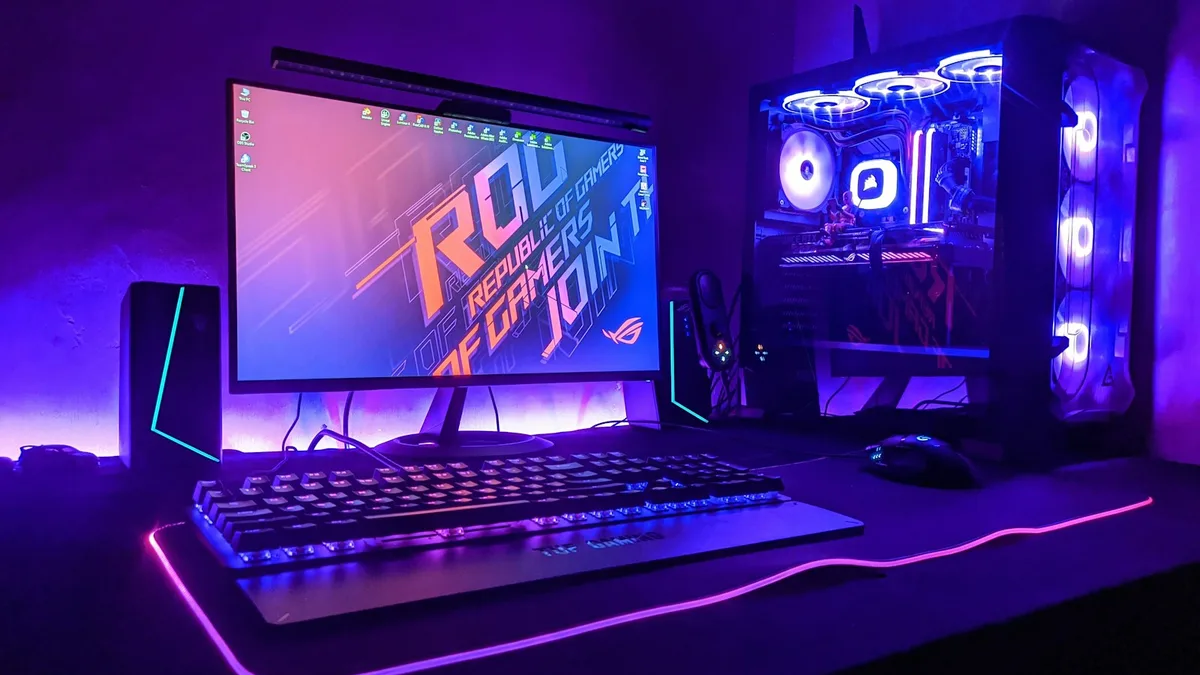
Price: what each budget actually buys
On sticker price alone, the two look close. Entry-level gaming desktops start at about $919 in 2026, and entry-level gaming laptops start at about $949. The sticker hides the real difference, because a desktop at that price still needs a monitor, a keyboard and a mouse, which add about $130 at the cheapest end, while the laptop has everything built in. Even so, the desktop wins the value comparison at almost every budget once you compare equal performance instead of equal sticker price.
The honest comparison is frames per dollar. For a 1080p setup that holds 60 frames per second in modern games, a laptop costs roughly $1,100 to $1,400, while a desktop with the same capability costs roughly $700 to $900. At higher budgets the pattern holds: a laptop that matches a desktop’s frame rate typically costs $300 to $600 more. That is the portability premium, and it is the price of the screen, the battery, the keyboard and the engineering that squeezes a gaming PC into a chassis under an inch thick.
| Budget | Gaming laptop | Gaming desktop |
|---|---|---|
| About $900 to $1,000 | Entry RTX 5050 laptop, 1080p gaming | Entry RTX 5060 desktop, but add monitor and peripherals |
| About $1,100 to $1,400 | Solid RTX 5060 laptop, 1080p high settings | Strong RTX 5060 desktop with a good monitor included in the total |
| About $1,500 to $2,000 | RTX 5070 laptop, 1440p capable | RTX 5070 desktop, clearly faster at 1440p |
| About $2,500 and up | RTX 5080 laptop, still power capped | RTX 5080 or 5090 desktop, full power, 4K ready |
The cheapest way to play is still a budget laptop, because a desktop plus a monitor is hard to build under $1,000 with new parts. Our roundup of the best gaming laptops under $700 covers the floor of the laptop market, and the best gaming laptops under $1,500 covers the sweet spot where most buyers land. If the total budget is under $500, the best gaming laptop under $300 is honest about what that money can and cannot do. For the full picture of what each price band buys, see our guide to how much a laptop costs.
There is also the second-hand angle. A used desktop holds its value part by part: you can sell the graphics card alone when you upgrade. A used laptop is worth much less after three years, because the buyer cannot upgrade it and the battery is already worn. If resale matters to you, our guide on how to sell your used laptop covers how to get the best price when the time comes.
Portability and everyday life
Portability is the laptop’s one decisive win, and for some buyers it is the only thing that matters. A gaming laptop is a complete computer: screen, keyboard, touchpad, speakers and battery in one box that fits in a backpack. You can game at a friend’s house, in a dorm, on a train, or in a different room when the living room TV is taken. You can also use the same machine for school or work, which is why students buy them.
A desktop is the opposite. It lives on one desk, needs a monitor and peripherals, and takes up floor space for the tower. Moving it means unplugging half a dozen cables and carrying a heavy box. If you move house often, share a small room, or split your time between two places, a desktop is a burden.
The middle ground is a laptop that mostly stays on a desk. Plugged into an external monitor, a keyboard and a mouse, a gaming laptop works like a compact desktop at home, and you can still unplug it and take it with you. That setup is the best of both worlds for many people, and it is the main reason a laptop can be the right buy even for someone who games at home 90 percent of the time. The catch is that you pay the laptop premium for a machine that rarely moves, and you still get laptop thermals and laptop upgrade limits.
Space matters too. A laptop needs a desk the size of a placemat. A desktop needs a desk, floor space for the tower, and room for a monitor that is usually 24 inches or larger. In a dorm room or a shared bedroom, that footprint can be the deciding factor, and it is worth measuring before you buy. Our guide to gaming laptop vs regular laptop covers the related question of whether you need a gaming machine at all, or whether a regular laptop with a decent chip would do the job.
Thermals, noise and throttling
Heat is where the laptop’s size becomes a real problem. A gaming laptop pushes 100W or more of heat through fans the size of coins, in a chassis with almost no air inside. Under load, laptop GPUs commonly run at 85 to 95 degrees C, and the fans get loud enough to hear across a room. A desktop pushes the same heat through large fans, a big heatsink or a liquid cooler, with litres of air to move. Desktop GPUs usually run at 65 to 80 degrees C, and the machine stays quiet enough to forget it is running.
That heat has a direct effect on performance. When a laptop gets too hot, it slows the chip down to protect itself, a process called thermal throttling. A laptop can start a gaming session at full speed and lose 10 to 20 percent of its frame rate after twenty minutes as heat builds up. A desktop holds its speed for hours, because its cooling has far more headroom. This is the main reason a laptop’s benchmark score, which is usually measured in a short run, overstates what you will actually get in a three-hour session.
You can fight the heat, but you cannot remove it. A cooling pad helps a little, undervolting helps a little, and cleaning the fans helps a lot if they are clogged with dust. Our guide on how to keep a gaming laptop cool covers the practical steps in order, and our guide to what a good GPU temperature is for a gaming laptop tells you which numbers are normal and which ones mean trouble. If you already own a laptop and it keeps slowing down in games, the cause is usually heat, and the fix is usually cleaning and better airflow, not a new machine.
Upgrades and how long each one lasts
A desktop is a set of parts. You can replace the graphics card in two years, add RAM, swap in a bigger SSD, or change the power supply when the new GPU needs more watts. A three-year-old desktop can become a current gaming machine again with a single graphics card swap, which is why desktops commonly last 5 to 7 years or more with one mid-life upgrade.
A laptop is a sealed box. On most gaming laptops you can upgrade the RAM and the storage, and that is all. The graphics card and the processor are soldered to the board, so the machine you buy is the machine you keep. When the GPU is too slow for new games, the only fix is a whole new laptop. That is why gaming laptops usually feel old after 3 to 4 years, while a desktop of the same age is one part away from feeling new.
There are two workarounds, and both have limits. An external GPU enclosure lets a laptop use a desktop graphics card, but the enclosure alone costs several hundred dollars, the connection loses some performance, and you still need to buy the card. The other option is to stretch the laptop’s life by lowering settings and leaning on DLSS, which works well for a year or two past the point where the raw hardware struggles. Our guide on how to convert a normal laptop into a gaming laptop covers the same upgrade thinking for machines that were never built for gaming, and the same rule applies: RAM and storage are easy, the GPU is not.
The battery is the other clock ticking on a laptop. Gaming on battery wears it fast, and after two or three years of heavy use, a laptop that once lasted four hours unplugged may last ninety minutes. A desktop has no battery to wear out, which is one more reason it ages more gracefully.
The two-device option for students
Students face this choice more than anyone, because they need one machine for class and one for games, and a gaming laptop looks like the answer to both. Sometimes it is. A student who games in the dorm, takes the laptop to lectures, and goes home on weekends genuinely needs the portability, and a gaming laptop is the only single device that does both jobs.
But there is a smarter split for many students: a cheap, light laptop for class plus a gaming desktop for the dorm. A $600 to $800 study laptop, such as a MacBook Air or a ThinkPad, handles lectures, writing and research all day on battery, and a $1,200 to $1,500 gaming desktop handles every game at high settings. The total is $1,800 to $2,300, which is about the same as a good gaming laptop, but you get a better machine for each job: a light laptop that lasts all day and a desktop that runs cooler, quieter and faster, and can be upgraded later.
The split also solves the lifespan problem. The study laptop lasts four years easily, because classwork never gets heavier, and the desktop lasts four to six years because you can swap the graphics card in year three. A single gaming laptop bought for the same money is heavy to carry to class, loud in a lecture hall, and slow by year three. Our comparison of Chromebook vs Windows laptop for students covers the class side of the decision, and our roundup of the best laptops for note-taking covers the light machines that pair well with a desktop.
Which one should you buy?
The verdict depends on how you actually live and play, not on which machine is better in a benchmark. Here it is by situation.
A home gamer who plays at one desk should buy a desktop. It costs less for the same frames, runs cooler and quieter, and you can upgrade it instead of replacing it. The money you save on the machine itself pays for a good monitor, and the monitor outlasts the PC by years.
A student or traveller who games in more than one place should buy a gaming laptop. Portability is not a luxury for you, it is the requirement, and no desktop can meet it. Spend the premium on a laptop with a full-power GPU, not the thinnest chassis. A concrete example is the Lenovo LOQ 15 with an RTX 5060, which runs its graphics chip at the full 115W and is widely picked as the best budget gaming laptop of 2026. Check the Lenovo LOQ 15 listings on Amazon for the current configuration and price.
A competitive player who wants high refresh rates at 1440p should buy a desktop, because sustained frame rates matter more than portability, and a desktop holds its speed through a long session. A laptop’s throttling costs frames exactly when a match gets intense.
A buyer on a tight budget who needs one machine for everything should buy a gaming laptop, but at the lower end where the laptop GPU is closest to its desktop twin. The ASUS TUF Gaming A16 with an RTX 5060 is a strong value pick at this level, with the same full-power laptop chip and a sturdy build for the price. See the ASUS TUF Gaming A16 listings on Amazon for the current configuration.
A buyer who wants the best machine for the money and has the desk space should buy a desktop, full stop. If you also need a portable machine for class or work, buy the cheapest laptop that does that job well and put the rest of the budget into the desktop. Our checklist of what to consider when buying a laptop walks through the specs that matter before you spend anything.
Mistakes to avoid before you buy
The most common mistake is buying the laptop with the biggest GPU name instead of the highest TGP. An RTX 5070 laptop running at 60W can be slower than an RTX 5060 laptop running at 115W, because power matters more than the name on the box. Always check the wattage in the spec sheet before you compare two laptops.
The second mistake is comparing sticker prices without the extras. A $919 desktop plus a $200 monitor, a $50 keyboard and a $30 mouse costs more than a $949 laptop on day one. Add the extras to the desktop side before you decide which one is cheaper, and remember that a good monitor lasts through two or three PC upgrades.
The third mistake is buying a gaming laptop for a desk it will never leave, then discovering three years later that the GPU cannot be upgraded. If the machine will never move, buy the desktop. Portability you never use is the most expensive feature in the laptop.
The fourth mistake is ignoring the screen. A laptop’s screen is part of the purchase, and a dim 1080p panel with a slow refresh rate wastes a good GPU. A desktop lets you choose the monitor separately, which is a real advantage: a 144Hz or 165Hz screen makes a bigger difference to how games feel than a one-step GPU upgrade.
The last mistake is buying for the games you play today and forgetting the games you will play in two years. A desktop can grow with a graphics card swap. A laptop cannot. If you plan to keep the machine for four years or more, that upgrade path is worth more than any single spec on the box.
Frequently Asked Questions
Is a gaming laptop as good as a desktop?
No, not at the same price or the same GPU name. A laptop with an RTX 5070 is typically 15 to 25 percent slower than a desktop with an RTX 5070, because the laptop chip has fewer cores and a much lower power limit. At the RTX 5050 and 5060 level the gap is small, and a laptop can be nearly as fast. At the high end the desktop pulls far ahead.
Is it cheaper to buy a gaming laptop or build a desktop?
A desktop is cheaper for the same gaming performance. For a 1080p setup holding 60 frames per second, a laptop costs roughly $1,100 to $1,400 while a desktop with the same capability costs roughly $700 to $900. The laptop looks cheaper on the sticker only because it includes a screen, keyboard and battery. Once you add a monitor and peripherals to the desktop, the desktop still wins on frames per dollar.
Do gaming laptops overheat?
They run hot, but that is normal for the form factor. Laptop GPUs commonly reach 85 to 95 degrees C under load, against 65 to 80 degrees C for a desktop. That heat is only a problem when it causes throttling, which shows up as frame drops after twenty or thirty minutes of play. Cleaning the fans, using a cooling pad and keeping the vents clear usually fixes it.
Can you upgrade a gaming laptop GPU?
No, not in any practical sense. The graphics chip in almost every gaming laptop is soldered to the motherboard, so it cannot be swapped. You can usually upgrade the RAM and the storage, and you can use an external GPU enclosure, but the enclosure costs several hundred dollars on its own. If upgradeability matters to you, buy a desktop.
Is a gaming laptop good for college?
Yes, if you need one machine for class and games. A gaming laptop is the only single device that does both. But a cheap light laptop for class plus a gaming desktop for the dorm often costs the same total and gives you a better machine for each job, with a longer life for both. Choose the split unless you genuinely game in more than one place.
How long does a gaming laptop last compared to a desktop?
A gaming laptop usually feels slow after 3 to 4 years, because the GPU cannot be upgraded and the battery wears out. A desktop commonly lasts 5 to 7 years or more, because you can replace the graphics card, add RAM and storage, and keep the case, monitor and power supply. The desktop costs more up front once you add the extras, but it costs less per year over its life.