How to Reboot a Laptop Properly
Learn how to reboot a laptop on Windows 11, Windows 10 and Mac, plus keyboard, command and frozen laptop methods. Save work first, then restart safely.
Learn how to reboot a laptop on Windows 11, Windows 10 and Mac, plus keyboard, command and frozen laptop methods. Save work first, then restart safely.
Can a laptop be tracked after a factory reset? Learn why Windows tracking stops, how Mac Activation Lock survives an erase, and what to do in the first hour.
A serial number alone cannot show a live laptop location. Learn what actually works: Find My, police and manufacturer reports, and the steps to take first.
Find your Dell laptop model number from the label, Settings, SupportAssist, System Information, BIOS, or the Service Tag on Dell Support, plus worn label fixes.
Acer laptop keyboard locked or not typing? Try the quick checks, Acer power reset, Filter Keys fix, BIOS test and driver reinstall in this step by step guide.
A laptop factory reset usually takes 30 minutes to 2 hours. See real times for SSD, hard drive, Clean data and Mac resets, and what to do if it stalls.
Lenovo laptop won’t turn on? Follow Lenovo’s own checks: adapter test, 5 to 10 minute charge, power drain, reset hole, Novo button and battery fixes first.
Learn how to remove stickers from a laptop without damage: heat, slow peeling, residue removal, badge ghosting, and the labels you must never peel off.
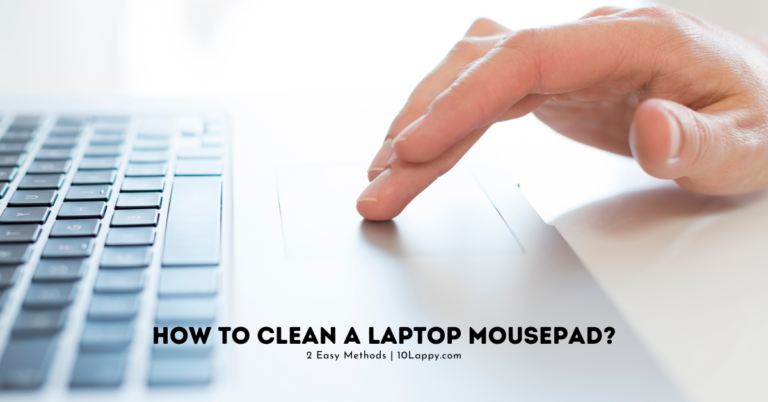
Learn how to clean a laptop touchpad safely with a cloth and 70 percent isopropyl alcohol, clear the edge grime ring, and spot settings or battery faults.
Clean your laptop screen without streaks using the manufacturer safe method: dry microfiber first, distilled water second, and no ammonia or vinegar ever.