How to Check Battery Health on a Windows 11 Laptop
Check your Windows 11 laptop battery health in minutes with the built-in battery report, your maker’s app, or Settings. Learn what the numbers mean and when to replace the battery.
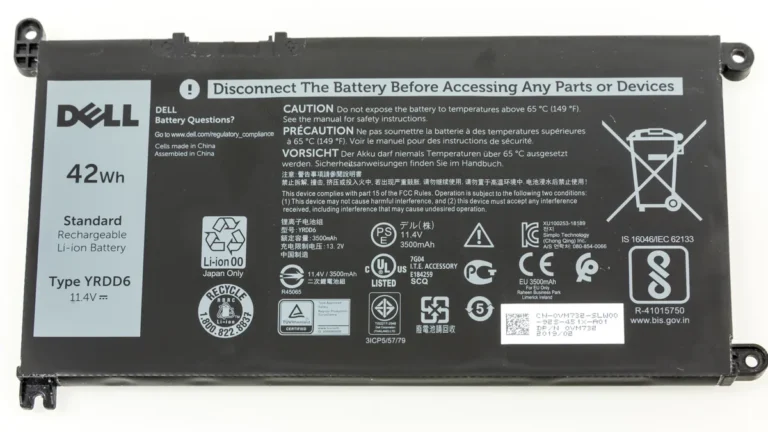
Check your Windows 11 laptop battery health in minutes with the built-in battery report, your maker’s app, or Settings. Learn what the numbers mean and when to replace the battery.
Find out how old your laptop is with the serial number, BIOS date, Windows install date and CPU model. Six methods ranked by accuracy.
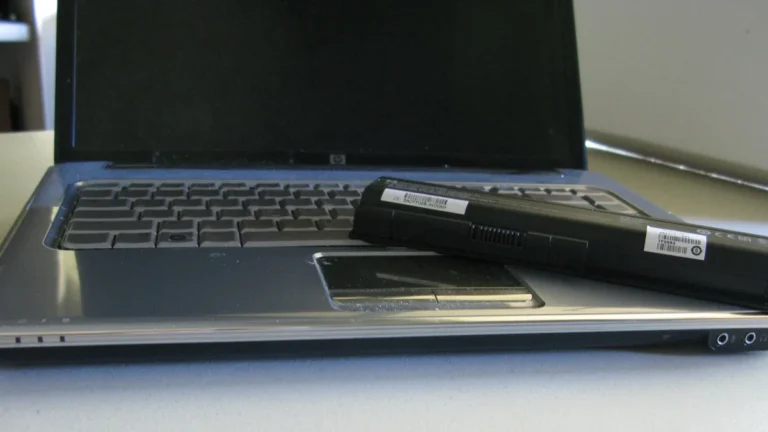
Find out what battery cycle count means, how to check it on Windows 11 and Mac, what count is good, and when a worn battery is worth replacing.
Learn how to check your laptop temperature on Windows 11 and Mac. Free tools, normal CPU and GPU ranges, and what to do when it runs too hot.

A gaming laptop GPU is fine at 65 to 85°C while gaming and 30 to 50°C at idle. See the safe ranges by GPU, the real limits, and what to do above 90°C.
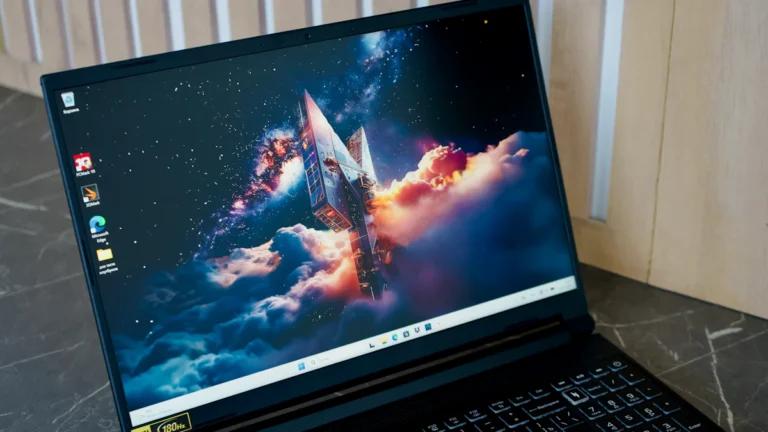
Check your laptop VRAM in under a minute with Task Manager, Settings, dxdiag or GPU-Z, and see what each number means for gaming.
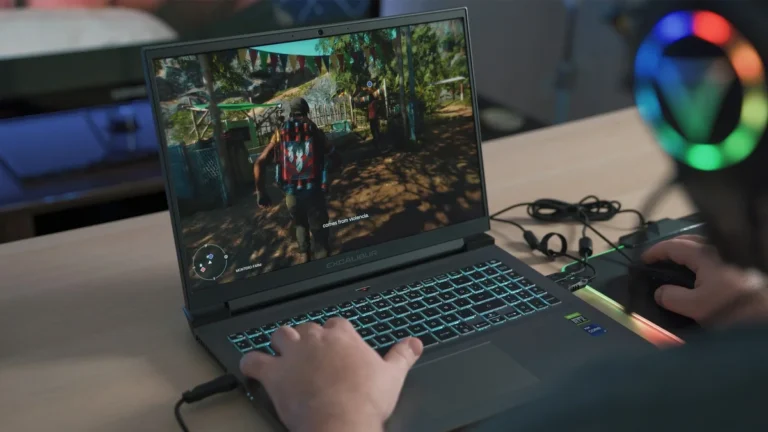
The best gaming laptops under $700 in 2026: five RTX 4050 picks with real benchmark numbers, plus what to check before you buy.
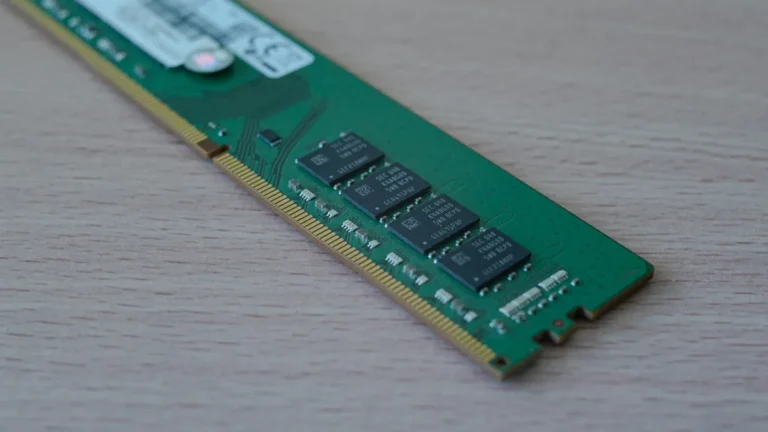
DDR5 is faster on paper, but in a real laptop the difference is smaller than the specs suggest. Speed, latency, battery life and gaming FPS compared.
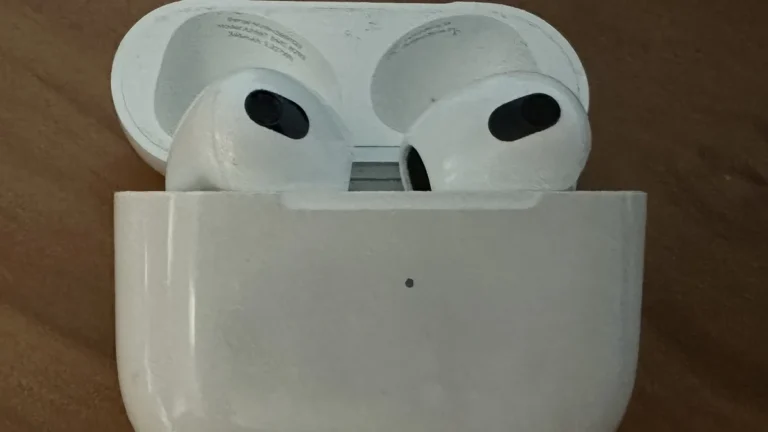
Connect AirPods to a Windows 11 or 10 laptop in about two minutes. Pairing steps for every AirPods model, plus fixes for no sound and mic problems.
Keep a plugged-in laptop battery healthy for longer with exact steps to cap charging at 80% in Lenovo Vantage, Dell BIOS, HP BIOS and MyASUS.